Report Generation for Technical Support
The system report is generated in the /system/management section by clicking the Report button.
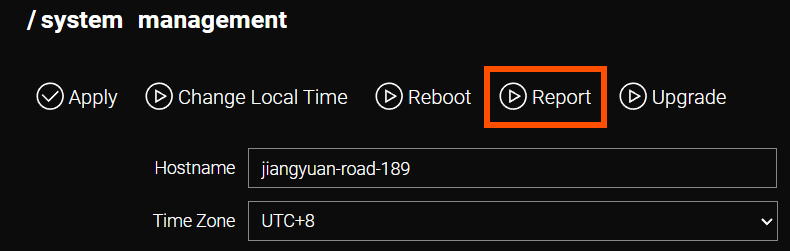
Upon clicking Report, a .gz archive containing the current router configuration and operational logs is created and downloaded to the computer.
| The generated file may contain sensitive data, such as passwords, certificates, and keys. All confidential information must be removed prior to transmission. |
The report file includes the following information:
-
Firmware version.
-
Hardware specifications (number of SIM slots, cellular modules, presence of a SIM switch, etc.).
-
System log.
-
List of active processes.
-
Resource utilization data (CPU, Memory).
-
Available storage information.
-
Filesystem data.
-
Interface status and network interface details.
-
DNS and DHCP configuration.
-
Routing table and firewall settings.
-
Current router configuration (including tunnel settings, etc.).
-
Certificate information.