User and Access Rights Configuration
User parameters and access permissions are managed in the /system/user section.
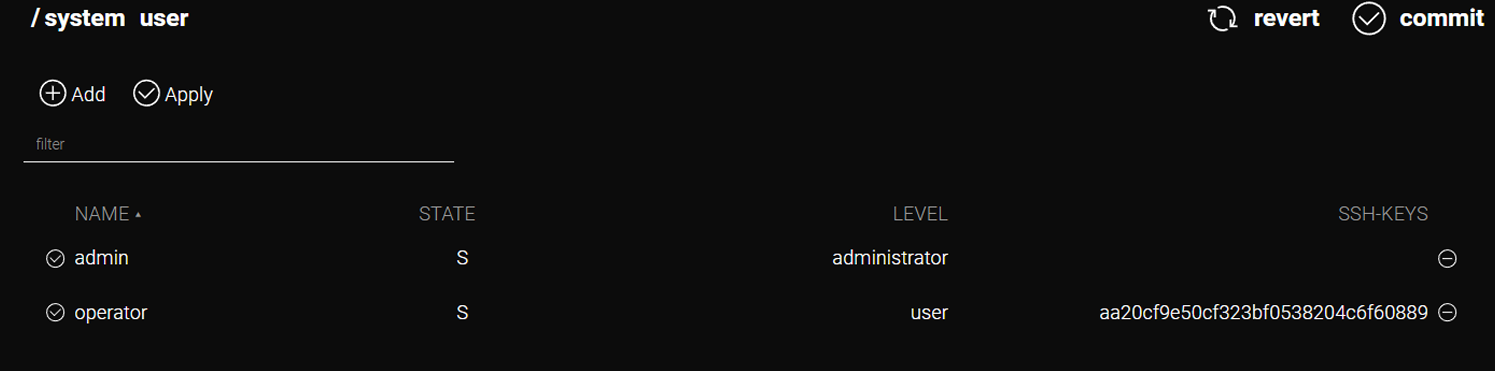
Creating a New User
| New user creation is restricted to the Administrator role. This function is not available to other user types. |
In the /system/user section, click the Add button.
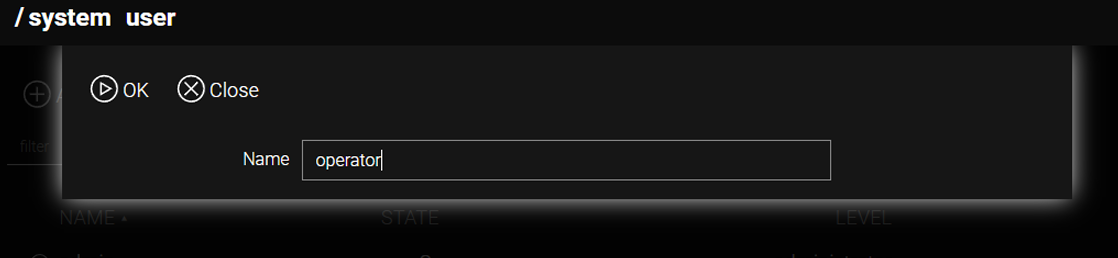
The username must consist of Latin letters (A-Z, a-z), digits (0-9), and the following symbols: -, \ , _@.
Password
A user can set or change their password regardless of the assigned access role.
In the /system/user section, click the row containing the username.
In the settings menu, click the Password button.
Specify the new password and click OK.

Access Management
Levels and Roles
In the /system/user section, access management is restricted to the Administrator role. Standard users only have access to their own profile.
Access to Sections
The Administrator can deny access to any part of the web interface.
In the /system/user section, click the row containing the username.
In the settings menu, select the corresponding sections from the Denied dropdown menu.
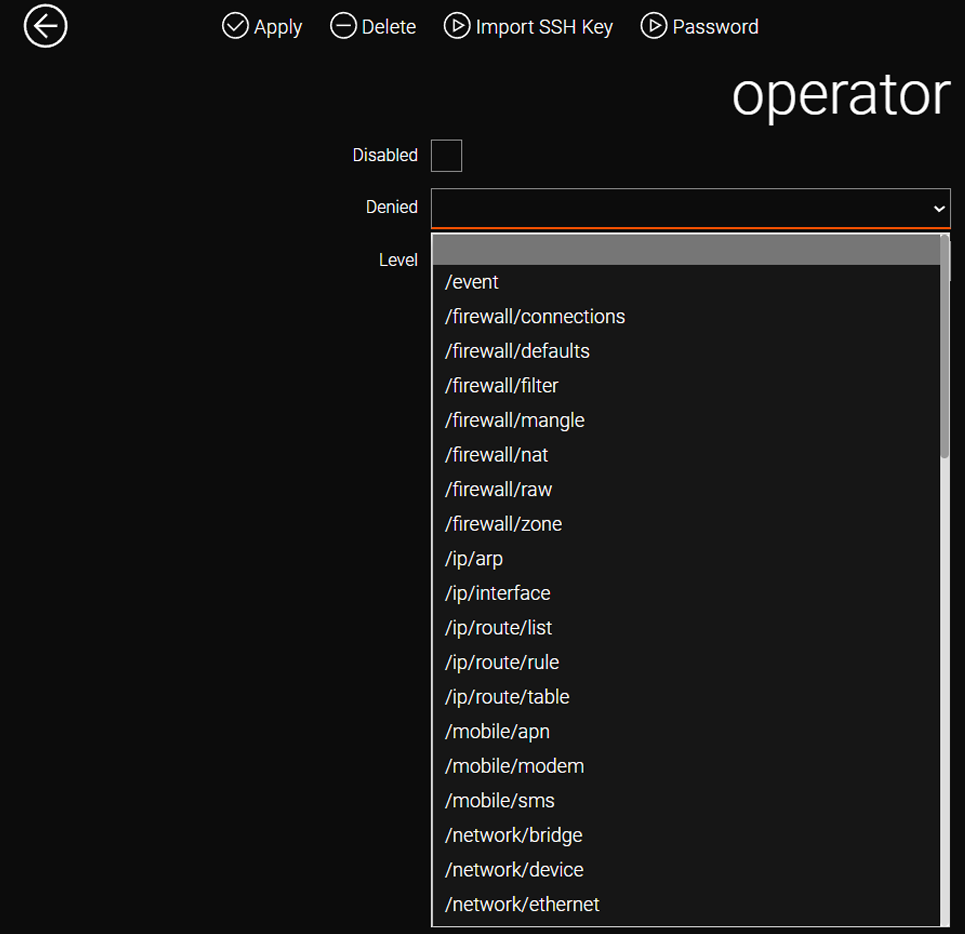
| If a standard user attempts to manually navigate to a restricted section, the system performs a redirection to the root section (home page). |
CLI Configuration
Creating a New User
admin@Router[/]>system user
admin@Router[/system user]>add name=operator
admin@Router[/system user operator]>
Password
In the CLI, navigate to the /system/user/username section and specify the new password using the password new= command.
admin@Router[/]>system user operator
admin@Router[/system user operator]>password new=magicpass
Access Management
In the CLI, navigate to the /system/user/username section and restrict access to specific sections using the denied command.
admin@Router[/system user operator]>denied /tools,/storage/file,/service/vrrpPay attention to the syntax: sections must be specified starting with the / symbol, separated by commas, without spaces.
The list of restricted sections is displayed along with other user settings when the [TAB] key is pressed.
admin@Router[/system user user_1]>
  denied                       /ip layer/tunnel/openvpn,/mobile/apn,/mobile/modem
  disabled                     false
  level                        user
  apply
  delete
  export
password| All modifications are permanently saved to the router configuration only after executing the /system config commit command or clicking the commit button in the web interface. |